
Clip live streams while they are still live
Add a streamer once. Clipping Shorts records the stream, finds the best moments and hands you captioned vertical clips while it is still live. Replays work too.
from a gaming video
from a live stream
from a live stream
Real clips Clipping Shorts picked and cut from streams and videos. Press play on one to hear it.
Clips from
YouTubeTwitchKickYour own video filesPosts straight to
YouTube ShortsInstagram ReelsHow you pay
No subscription. You only pay for what you actually use.
Top up once and use it for a full year. It only goes down while Clipping Shorts is making clips for you. Every feature is open to every account, with no plans, no seats and no limits.
How it works
Three steps from a stream to a folder of clips.
Paste a link, upload, or add a streamer
Drop in a YouTube, Twitch or Kick link, or upload a video file. For live streams, add the streamer's channel once and Clipping Shorts records when they go live. Pick a caption style and how long clips should be.
The AI finds the moments
The whole recording is transcribed, the strongest moments are picked and scored, and each one is cut into a vertical clip with captions timed to the voice. A 15-minute video takes about two minutes. Long streams hand over their first clips after about two.
Download, post, or keep editing
Every clip arrives captioned, scored, and with a hook, title, description and hashtags written for it. Trim it, change the style, download it, or queue it to post. Each video keeps its own set of clips to come back to.
Features
The parts of clipping that eat your week.
Scored by two separate judges
One AI reads only what was said. Another sees only how loud the streamer got and how busy chat was. During a live stream, a clip is made when both agree, so you get moments, not filler.
Captions, styled once
Word-by-word captions are burned into every clip, with the key words highlighted and a hook line on top. Pick one of three styles per creator and every clip follows it.
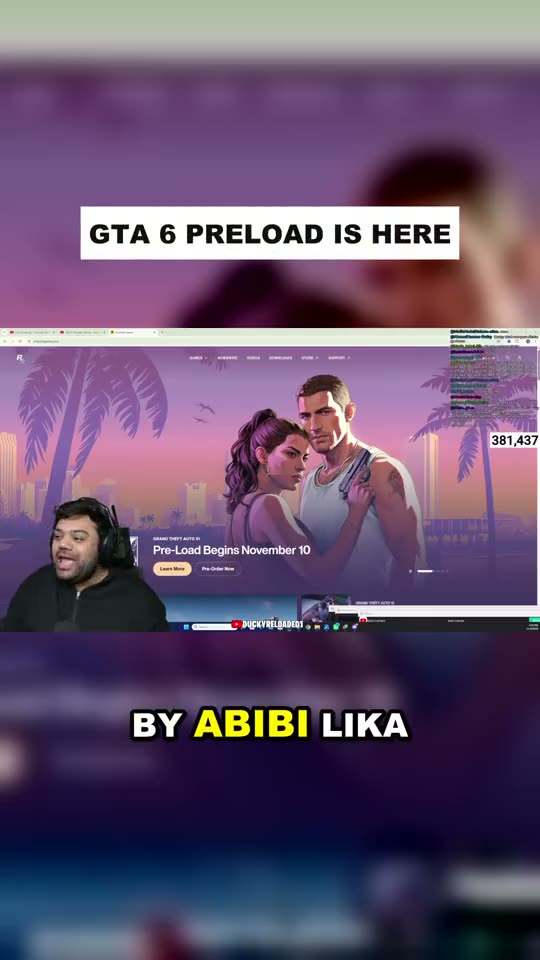
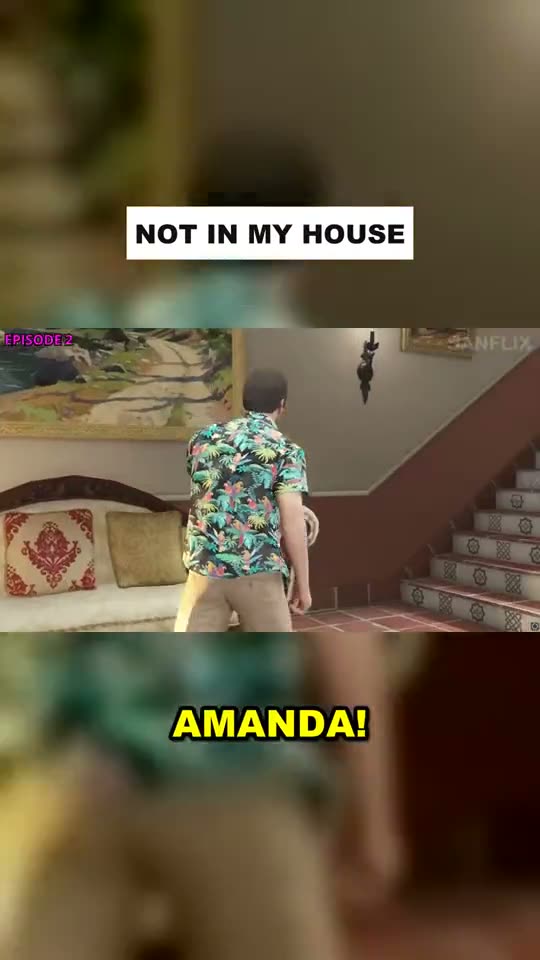
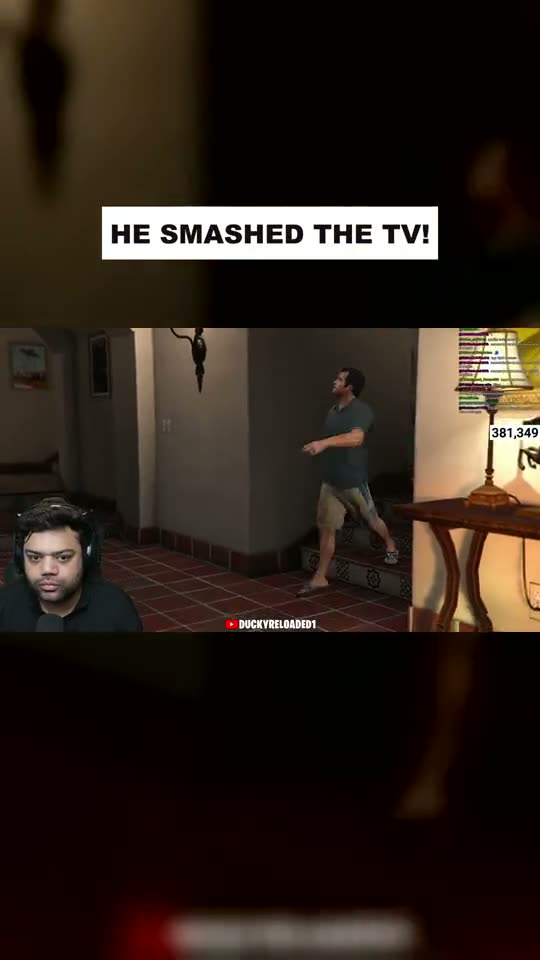
Clips while they are still live
Add a streamer's channel and Clipping Shorts can start recording by itself when they go live. It keeps the last stretch of stream, checks it as often as every minute, and has clips ready before the stream ends.
Every cent accounted for
Your balance only moves when the AI works. Each charge is listed under one of these, with the creator, the video, the tokens used and the cost.
Pricing
Pay for what you clip. Nothing else.
- No monthly fee, no plans, no contract
- You only pay for what you use
- Top up any amount from $30, whenever you like
- Your balance goes down only as clips are made
- Each top-up lasts 12 months
- Every feature included for every account
What things cost
You are charged for the AI's work, by the amount of text it reads and writes.
Estimates for typical streams, at $1.00 per million AI tokens. Your exact usage is listed in your account. Purchases are final, see our refund policy.
Built for anyone with long footage and no time to cut it.
FAQ
Got any questions left?
The things people ask before they run their first stream through Clipping Shorts.
Is there a monthly subscription?
No. Clipping Shorts is pay as you go. You top up a balance, and it only goes down while the AI is finding clips for you. There are no plans and nothing to cancel.
How much can I clip with a top-up?
A lot. The minimum top-up of $30 covers many hours of video and live streams, and you only pay for what Clipping Shorts actually does. Each top-up can be used for 12 months.
What happens when my credit runs out?
The AI pauses. Your clips, creators and settings stay exactly as they are, and everything carries on when you top up.
Which videos work best?
Anything with people talking and reacting: live streams, gaming VODs, podcasts, interviews. Links can be from YouTube, Twitch or Kick, or you can upload a video file. Captions are written from English speech.
How long are the clips, and what shape?
Vertical 9:16, the shape Shorts, Reels and TikTok use. They run 15 to 60 seconds by default and you can set your own range. Choose a blurred fill, a zoomed frame or a centre crop.
Can I change a clip afterwards?
Yes. Open any clip to trim the start and end, rewrite the hook and title, or switch caption style and layout, then re-make it.
Can I clip any streamer?
Clipping Shorts is a tool. You are responsible for having the right to clip and post a creator's content; most clipping programs ask you to follow the creator's own rules.
Your last stream is a week of clips.
Paste the link and see what the AI picks. No subscription: you only pay for what you use.